

People
Sharing is included with the Teams plan, and only an account admin can manage people. The page appears in the sidebar for admins.
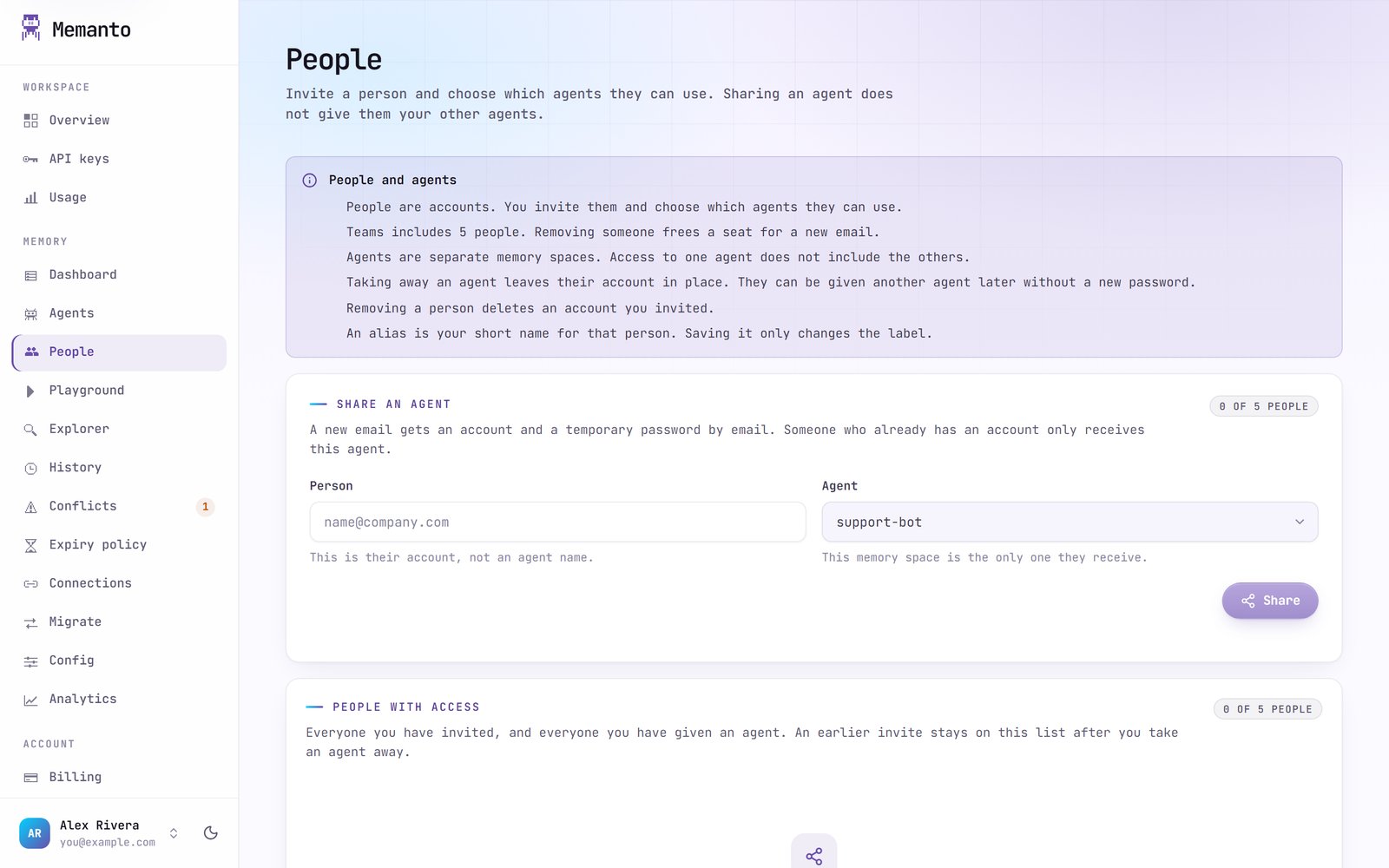
Share an agent
Pick the agent and enter the person’s email.- A new email gets an account, and a temporary password is sent to it by email. They choose their own password the first time they sign in.
- Someone who already has an account only receives the agent.
Take away an agent or remove a person
- Take away this agent: they can no longer use it. Their account stays, so they can be given another agent later without a new password.
- Remove this person: they lose every agent you shared. If you invited them (you created the account), the account is deleted. If they already had an account, it stays and no password is changed. Your own admin account is never affected.