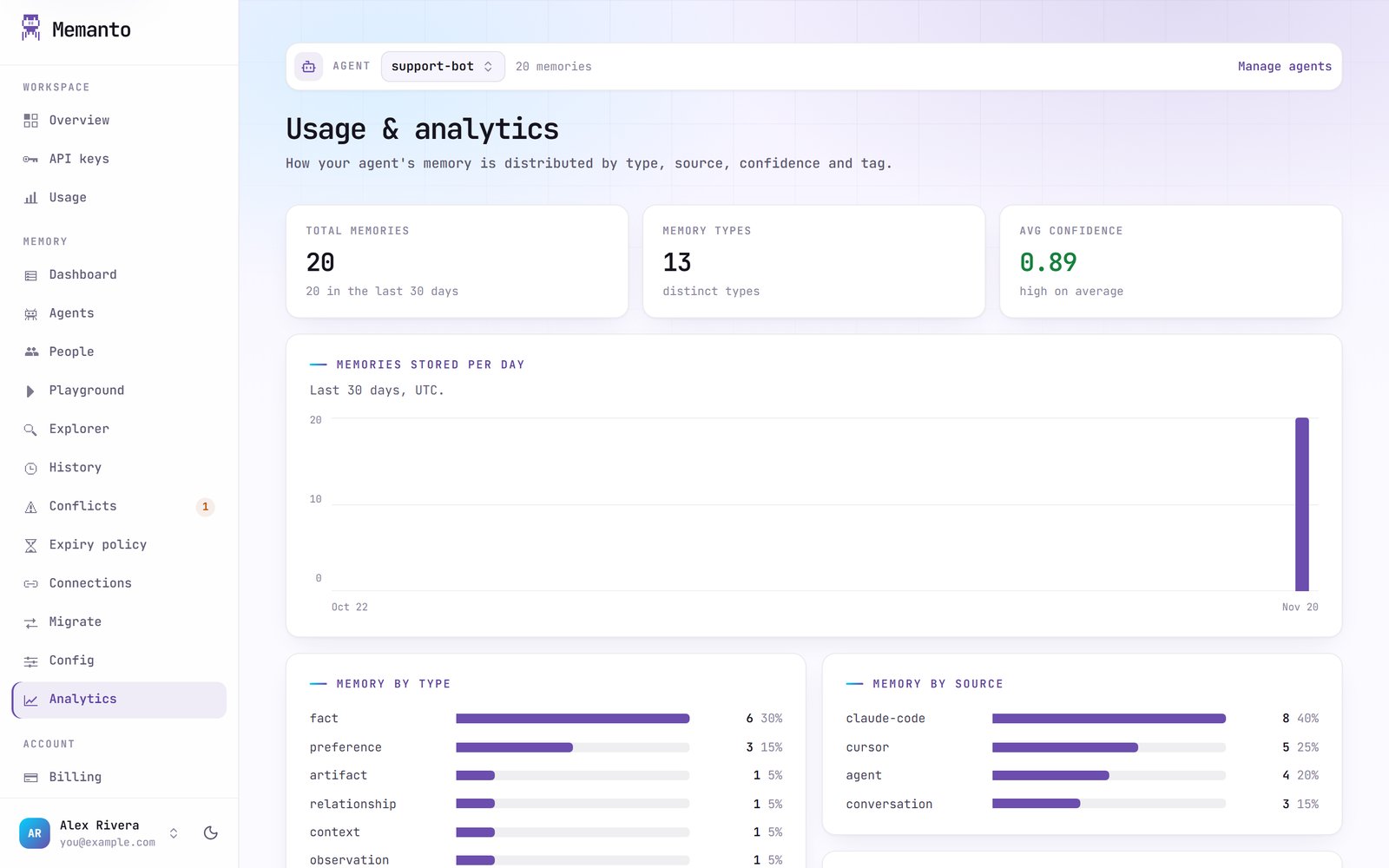
Memory pages
The Memory group of the console works on one agent at a time. Pick the agent with the selector at the top of each page. These pages match the local dashboard’s, but read and write your Memanto Cloud agents.Dashboard
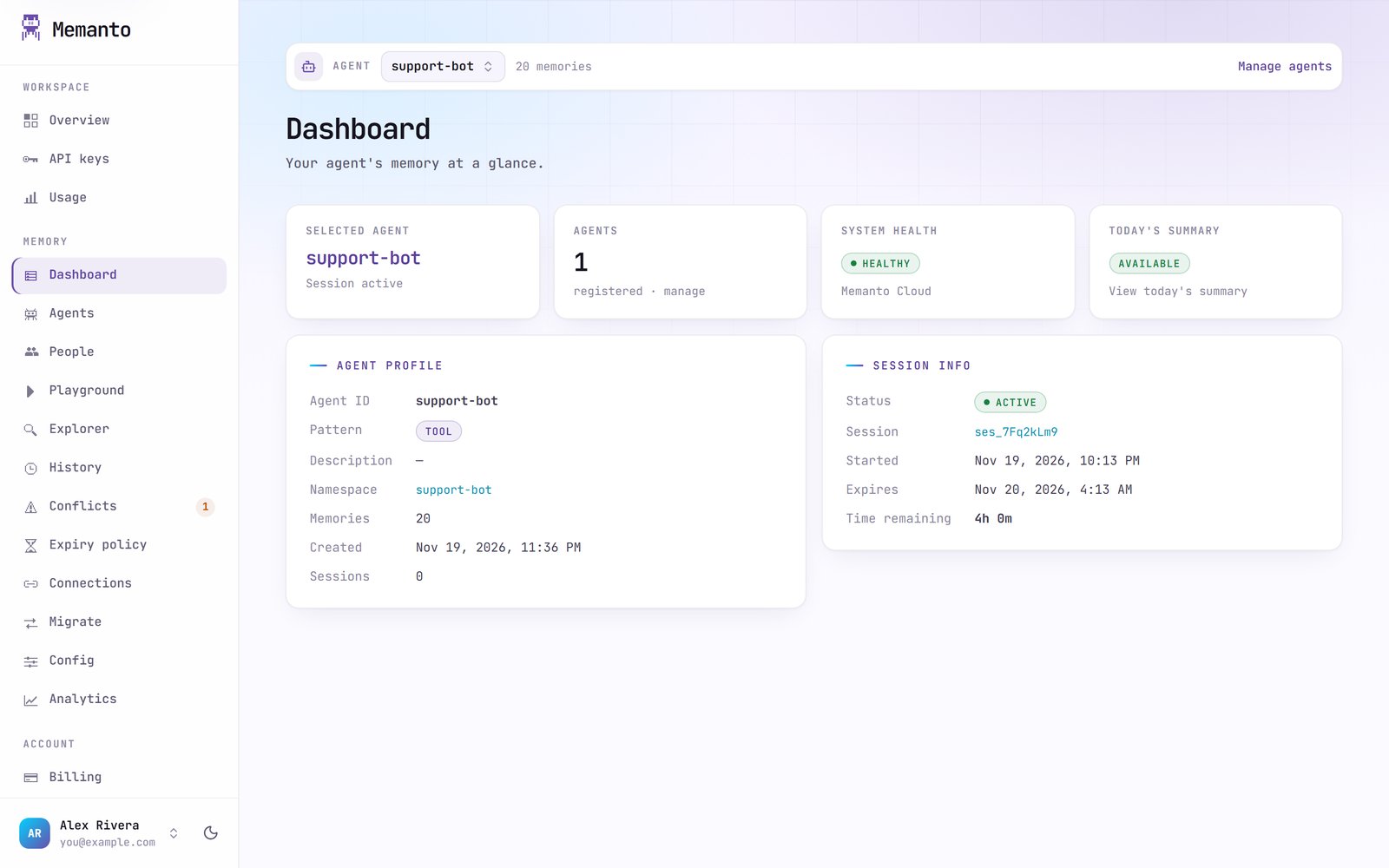
Agents
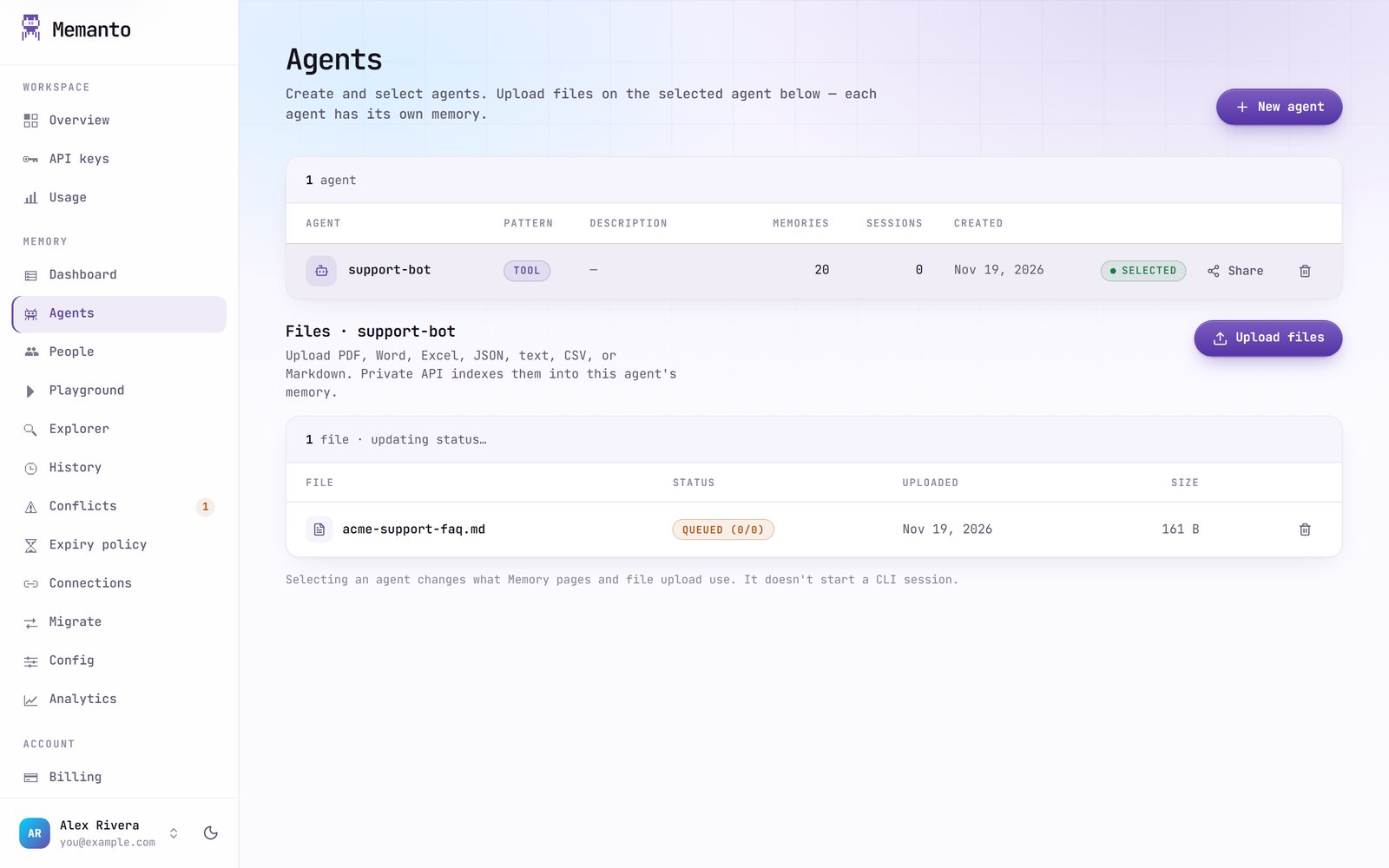
- New agent takes an agent ID (letters, digits,
-and_), a pattern (support,projectortool) and an optional description. You can also create one from the terminal withmemanto agent create <id>. - Delete agent deletes the agent and all its memories. On Memanto Cloud memories can’t be kept without their agent.
- Files: upload a document to the selected agent to turn it into memories. Supported types are PDF, DOCX, XLSX, JSON, TXT, CSV and Markdown. Each file shows its processing status, and deleting a file removes the memories made from it.
Playground
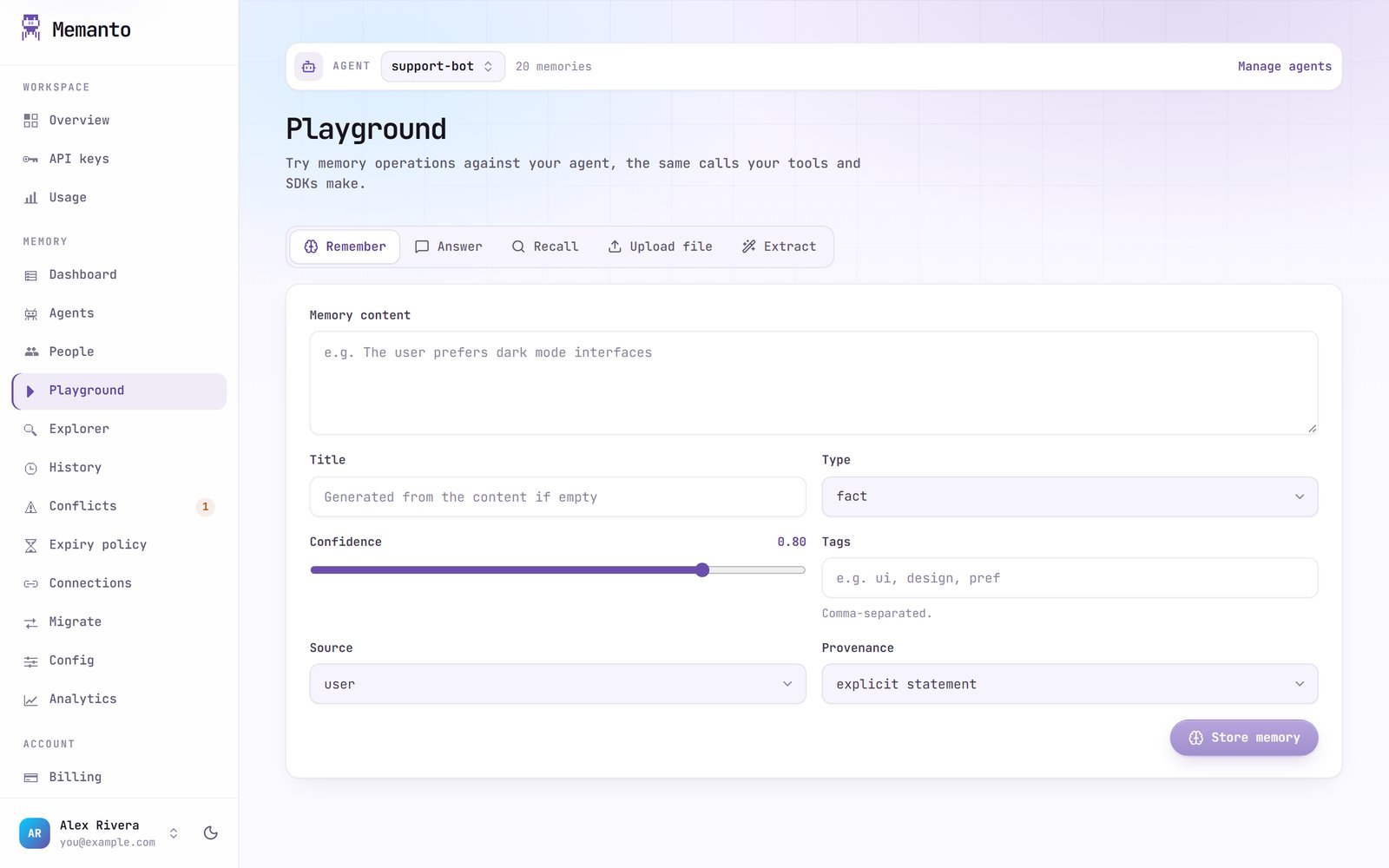
Recalled memories can be edited, expired, restored or forgotten from the results, like in the Explorer.
Explorer
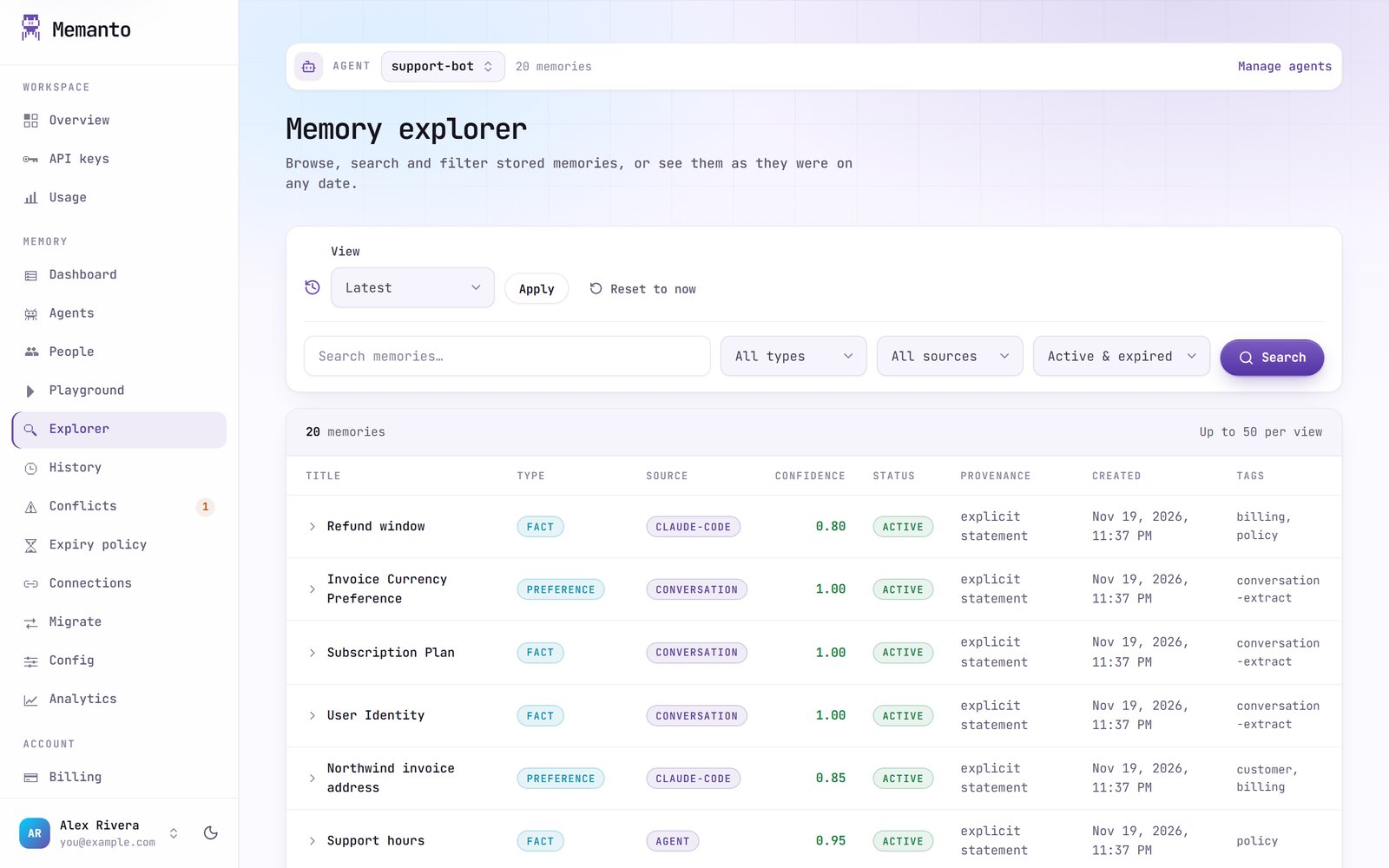
- Latest: newest first.
- As of date: the memories as they were on a given date.
- Changed since: memories created or changed since a date.
- Date range: memories created between two dates.
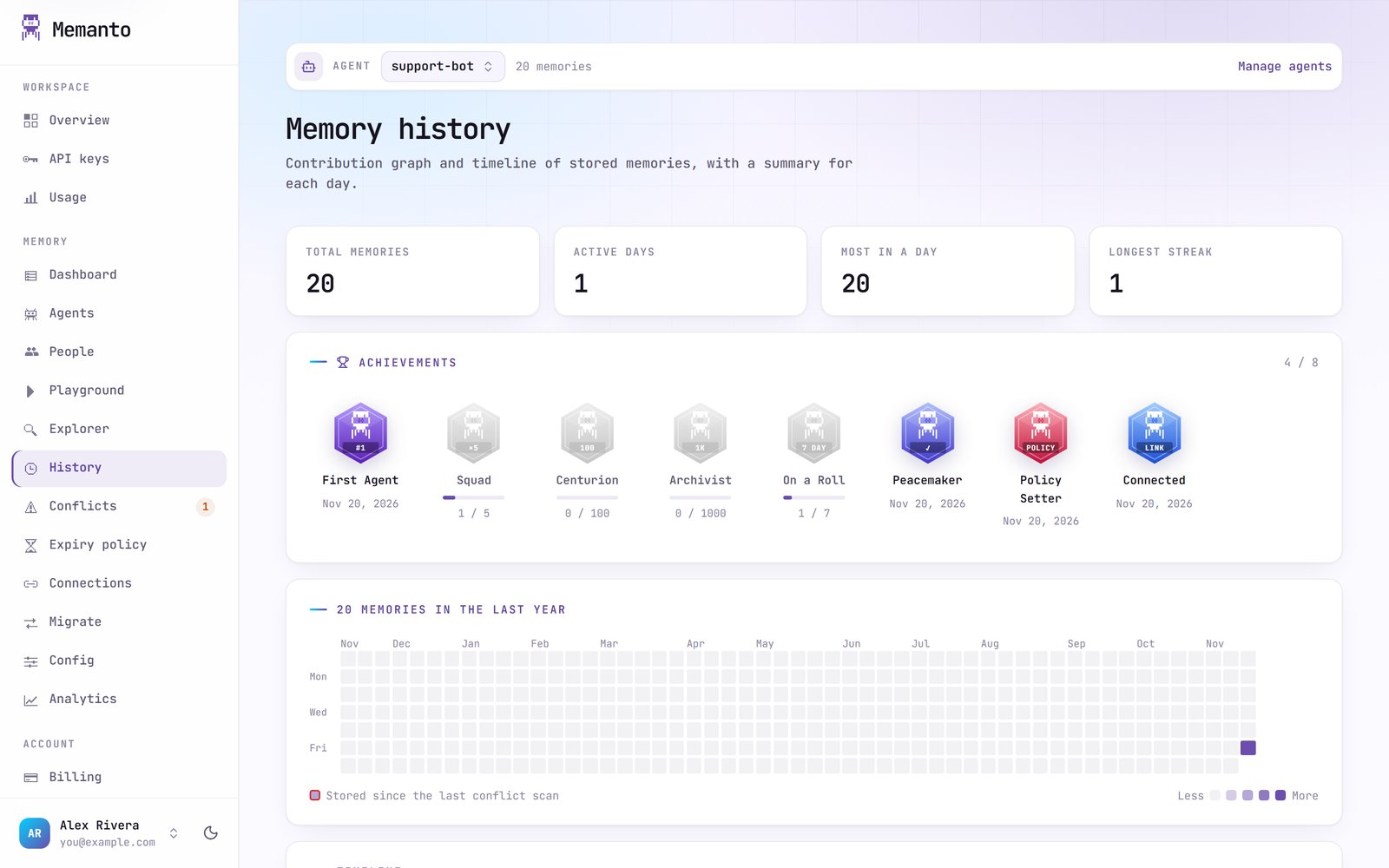
History
Analytics