

Connections
The Connections page lists the AI tools using Memanto with your keys for the selected agent: Claude Code, Cursor, Codex and the rest. Each card shows when the tool was last seen, how many memories it wrote and read, and its recent memories. Open a connection to see its memories and edit, expire, restore or forget them. A tool is attributed from thesource it sends with each call. memanto connect and the MCP server send it for you; in your own code, pass source on remember and recall. See Tool attribution.
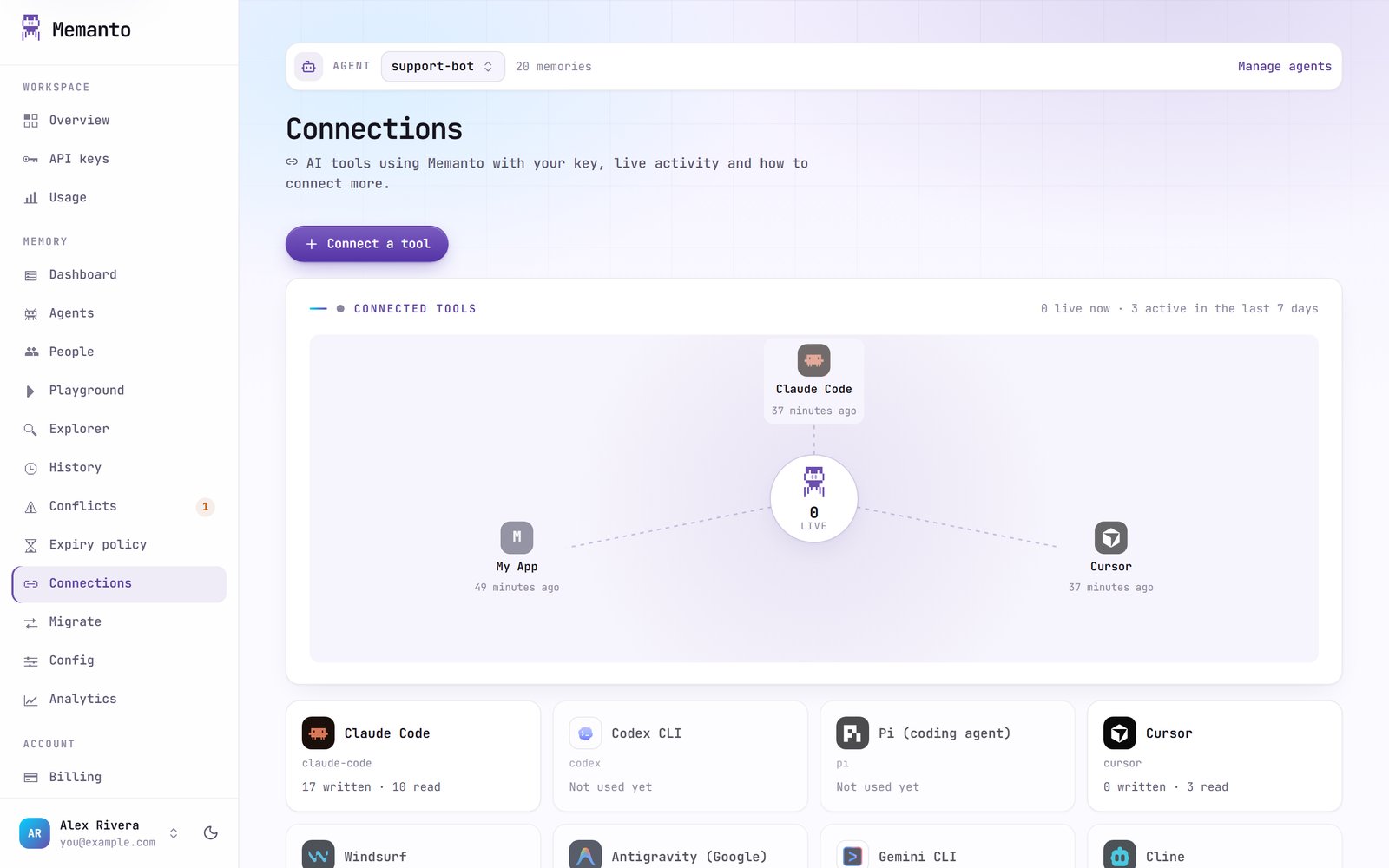
Connect a tool
Connect a tool gives you the commands to run on your machine, with the agent filled in. Choose the install scope:- Project: writes Memanto’s instructions into the project in the current directory.
- Global: installs Memanto’s skill for every project on this machine.
memanto connect opens your browser to sign in, so there is no key to paste. You can also paste this prompt into any coding agent and let it set itself up:
memanto connect for every supported tool.
Per-tool request counts for the last 30 days are on the Usage page.