Migrate
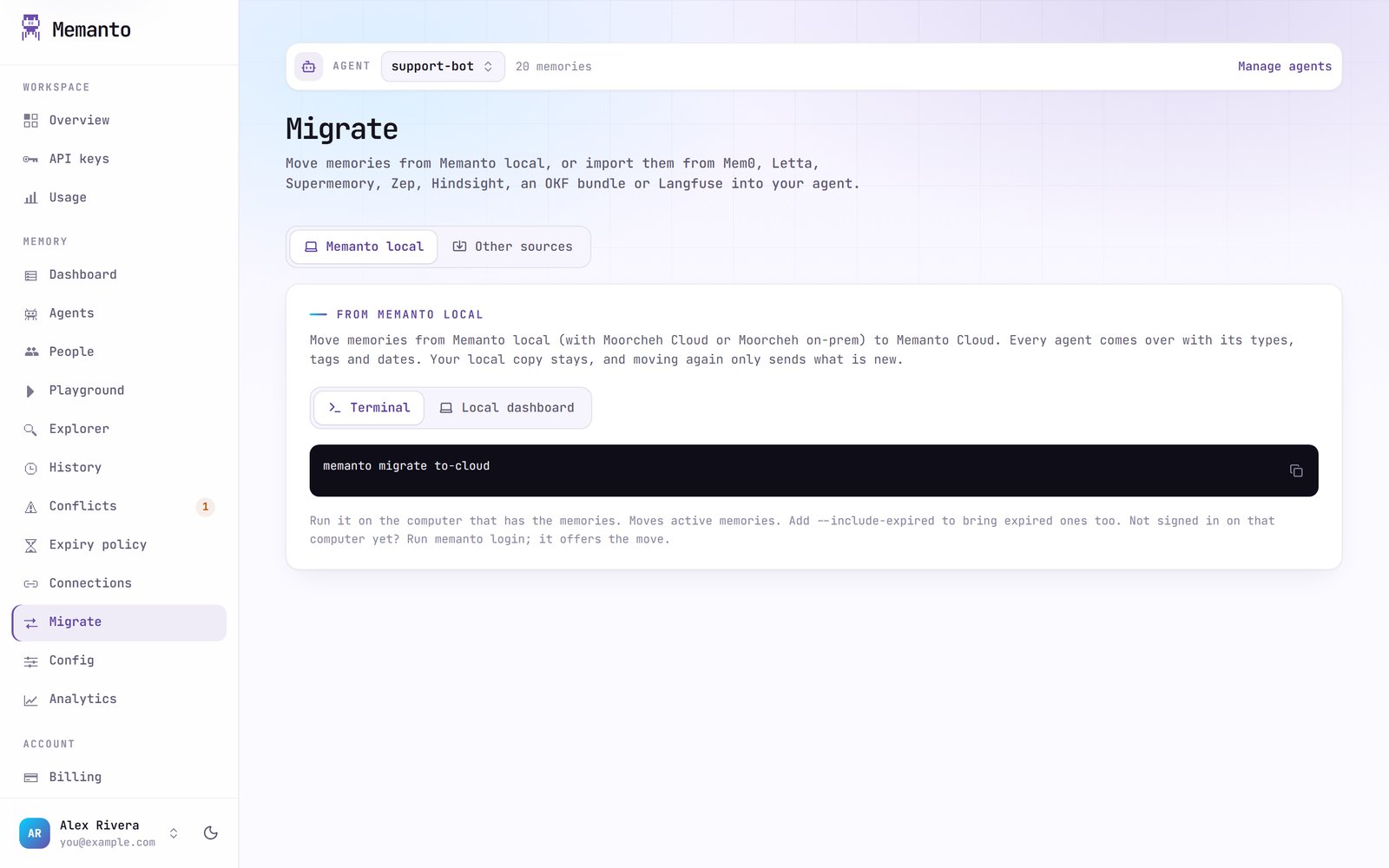
The console’s Migrate page shows how to move memories from Memanto local (Moorcheh Cloud or on-prem) into your Memanto Cloud agents. The move runs on the computer that has the memories, in one of two ways.- Terminal
- Local dashboard
On the computer with the memories, run:Add
--include-expired to bring expired memories too (they stay expired). Not signed in on that computer yet? Run memanto login first; after you approve, it offers to move the memories for you. See memanto migrate.memanto migrate on a computer signed in to Memanto Cloud.