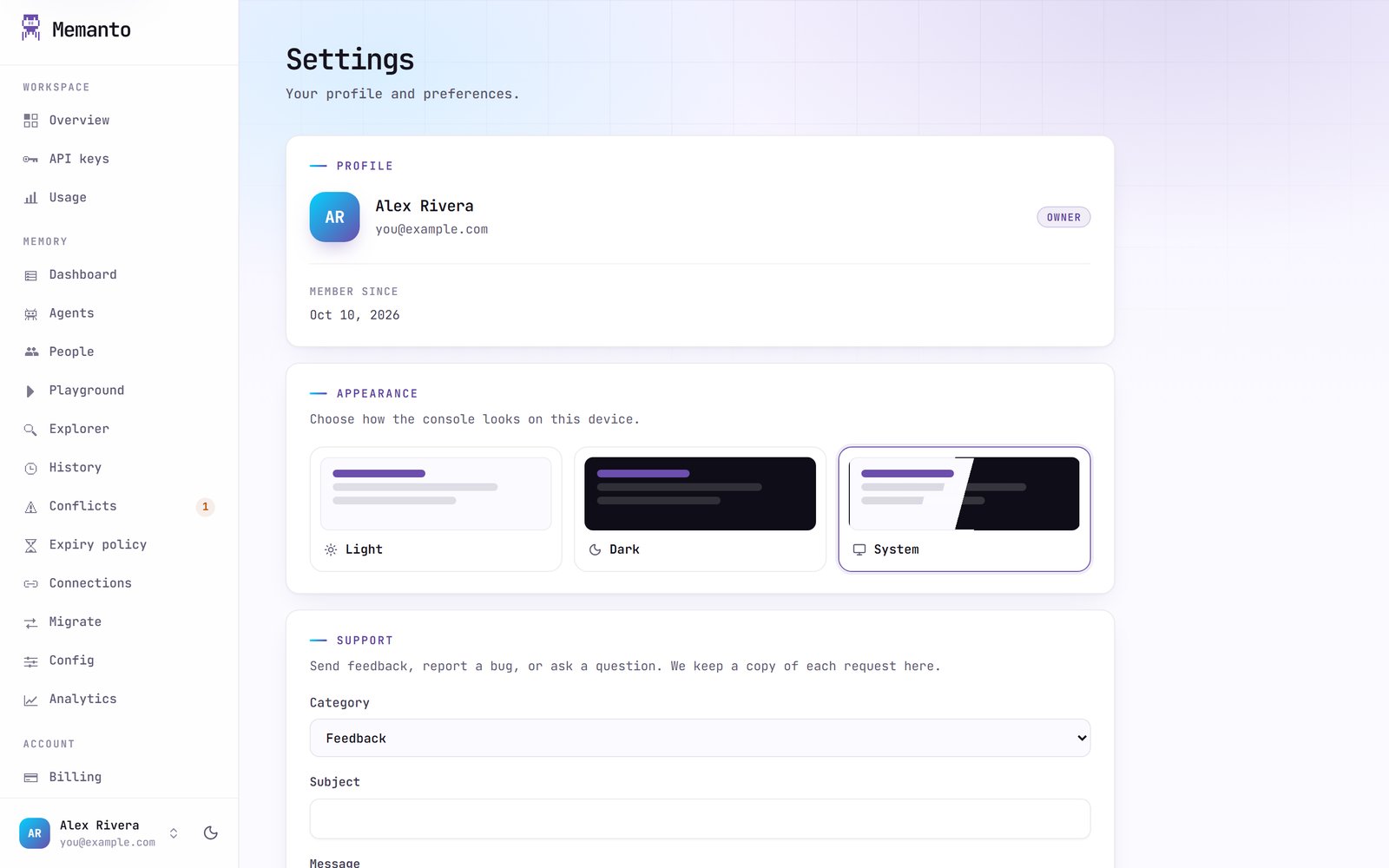
Memanto console
The Memanto console at console.memanto.ai is where you manage a Memanto Cloud account: sign-ins and API keys, usage and billing, and the memory of every agent. It is the Cloud counterpart of the local dashboard. On Memanto Cloud,memanto ui opens it.
Signing in
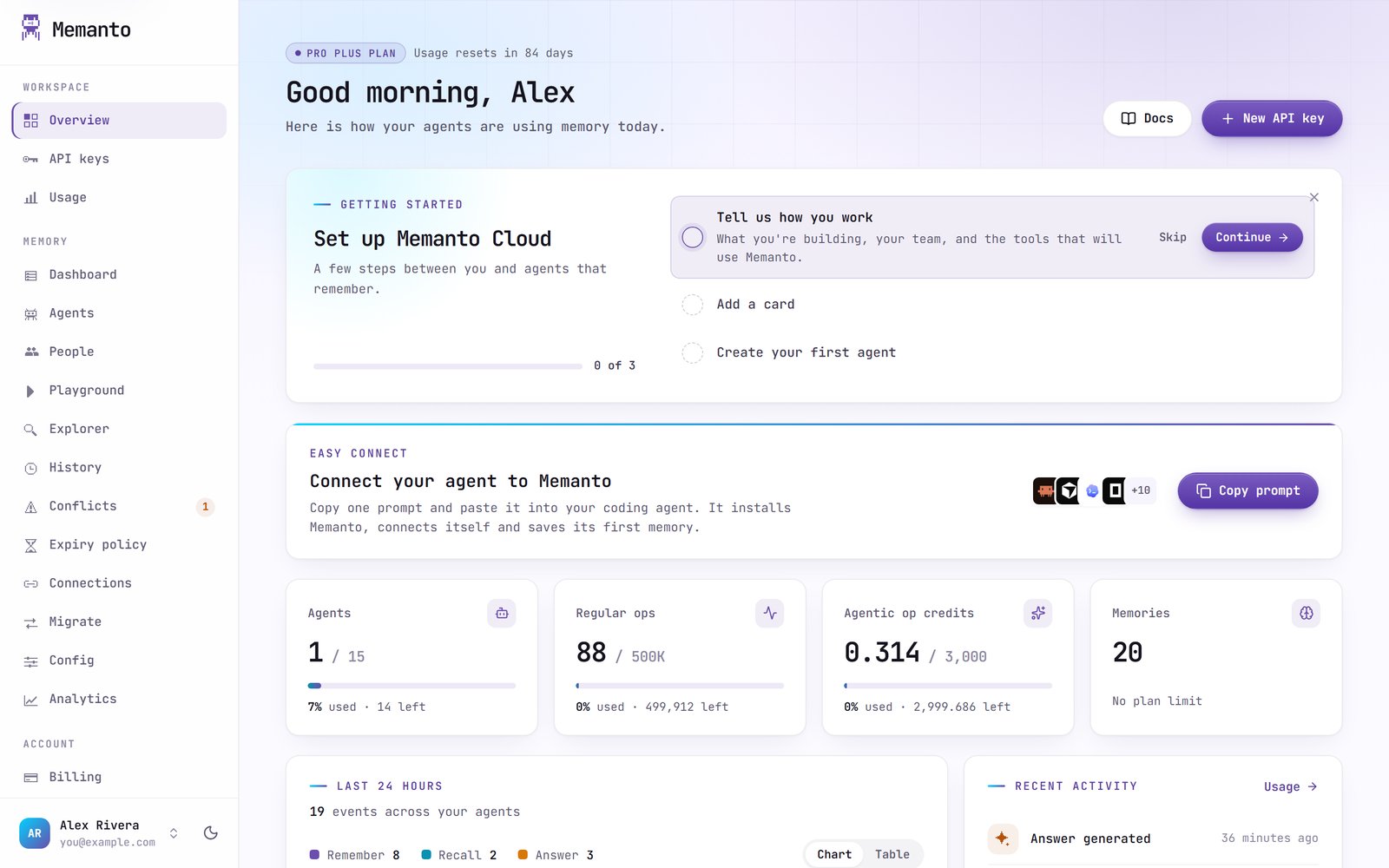
Sign in with email and password or with Google, or create an account from the sign-in page. Forgot your password? Use Forgot password? on the sign-in page. New accounts go through a short welcome step to pick a plan; Pro is free for the first month.memanto login sends you to the console too, to approve the computer (see Sign in).
Navigation
The sidebar has three groups.
The Memory pages work on one agent at a time. Pick it with the agent selector at the top of the page.
Usage
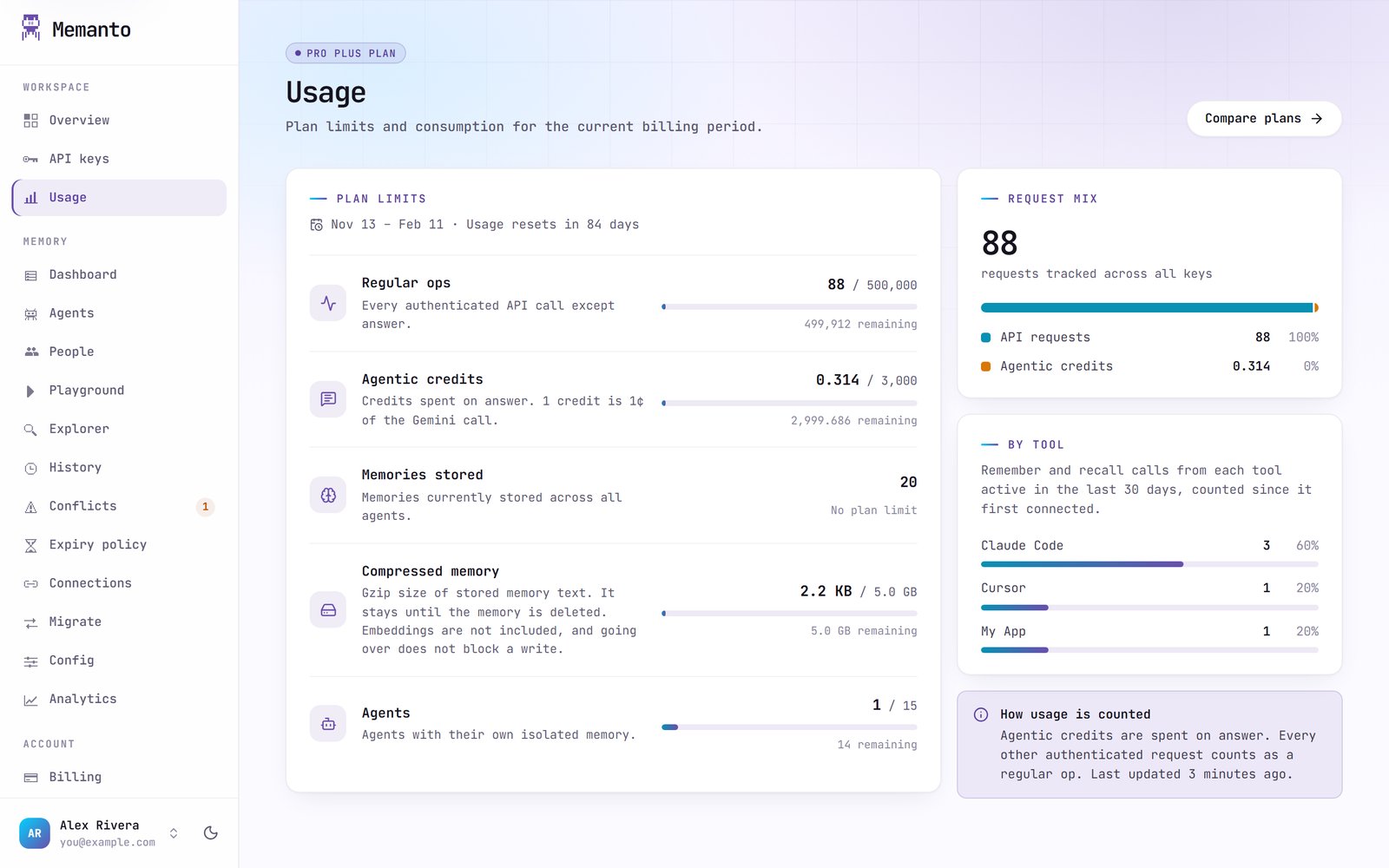
memanto status shows the same plan usage in the terminal.
Billing
Billing (account admins only) shows your current plan, its period and status. From there you can add extra agents to your plan, open the billing portal to manage payment, or cancel renewal. Cancelling renewal does not end the plan right away; it runs to the end of the period you paid for. Plans and prices are on memanto.ai.Settings