

API keys and computers
The API keys page in the console lists two kinds of keys. Both authenticate as you and are sent in thex-api-key header (see Cloud API authentication).
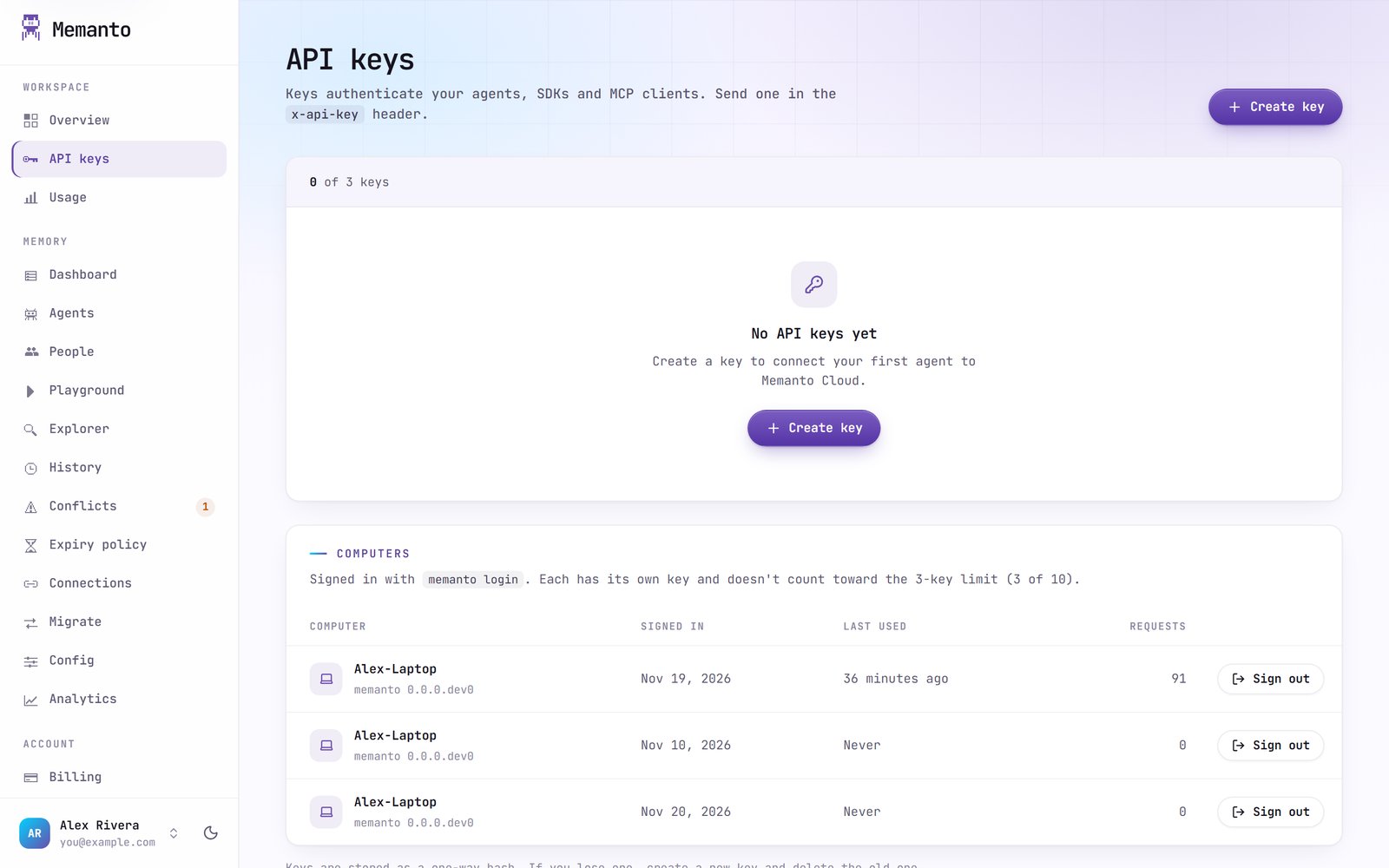
API keys
Click Create key and give it a name you’ll recognize later, like the app or environment that uses it. The console shows the key (it starts withmk_) once: copy it and store it somewhere safe. Anyone with the key can read and write your agents’ memories.
Each key shows when it was created, when it was last used, and its status. From a key’s actions you can:
- Revoke it: requests using it are rejected right away. You can reactivate it later.
- Delete it: it is removed permanently and stops working immediately. This can’t be undone.
Computers
Every computer you signed in from withmemanto login is listed under Computers, with when it signed in and when its key was last used. Computer keys don’t count toward the 3-key limit; you can have up to 10 computers.
Sign out a computer to stop its key working right away, for example a laptop you no longer use. Run memanto login on it to sign in again. Signing in again on the same computer replaces its entry instead of adding another, and memanto logout on the computer signs it out here too.